
Work faster in AutoCAD (with fewer clicks)
A simple cheat sheet to help you use the right commands and speed up your workflow.
GET YOUR FREE CHEATSHEETCheat sheet + a few practical CAD tips
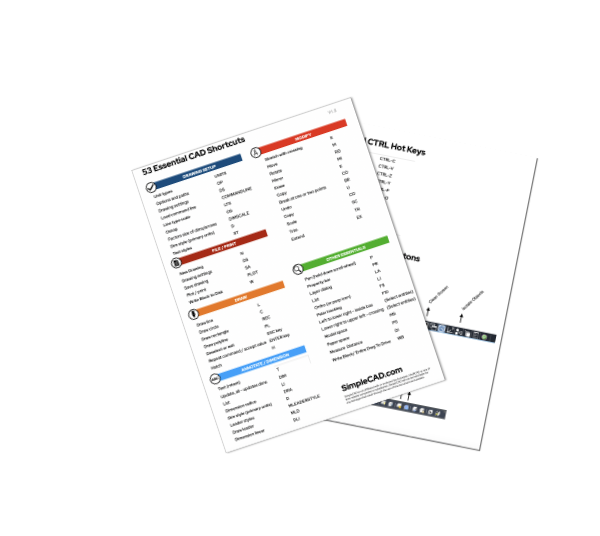
What’s inside the cheat sheet:
- 53 essential commands
- 10 status bar shortcuts
- 10 layer shortcuts
- 3 printable pages you can keep next to you
These are the commands you’ll actually use — not a long list you’ll never touch.
Most AutoCAD users don’t struggle because they don’t know commands.
They struggle because:
- they click too much
- they don’t use commands efficiently
- they don’t combine commands into a smooth workflow
Did you know AutoCAD was originally built around commands?
Most users overlook the command line altogether.
Once you start using it the right way, everything gets faster.
This cheat sheet helps you get there.
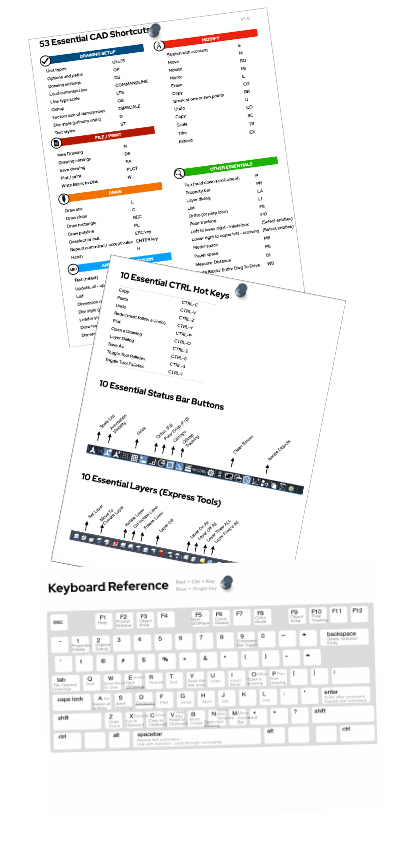
Cheat sheet is 3 printable pages on 8 1/2″x11″ – includes 53 essential commands, 10 essential status bar buttons, 10 essential express layer shortcuts and a keyboard command layout.
You don’t need to learn everything in AutoCAD.
Just the right commands.
Spend a few minutes a day practicing these:
- your speed improves quickly
- your drawings become more consistent
- you stop second-guessing what to click next
Hi, I’m Erik.
I’ve been working with CAD for years, helping users get faster and more confident with their drawings.
One thing I’ve seen over and over:
Most people aren’t slow because CAD is hard.
They’re slow because they were never shown a better way to work.
That’s why I put this cheat sheet together — to give you a simple, practical reference you can actually use.

So if you want to speed up your AutoCAD workflow:
Get the Cheat Sheet →No spam. Just the cheat sheet + a few helpful CAD tips.